Go to the official website and click the Get Started button in the top right corner.
Step 2: Go to Login & Manage
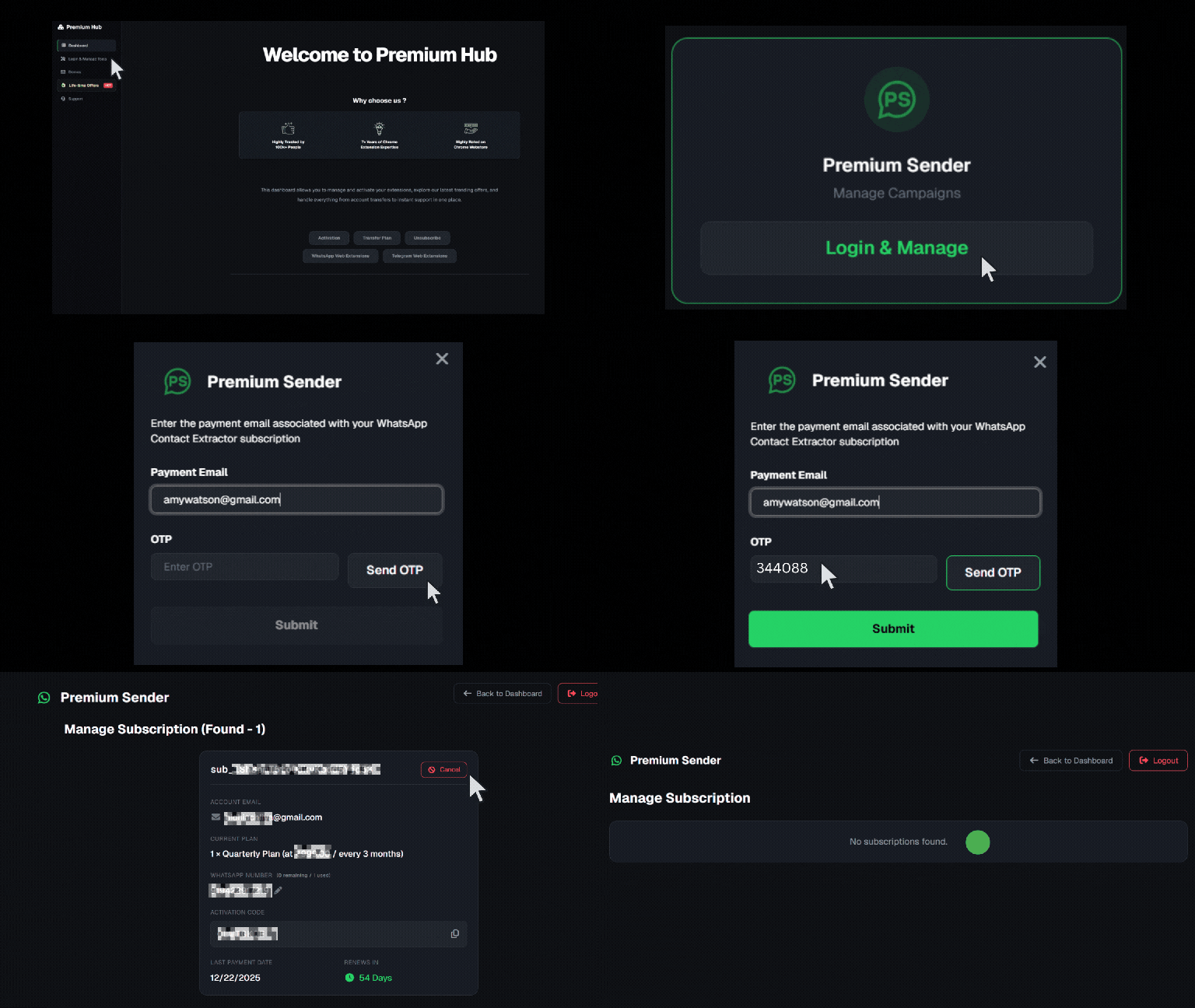
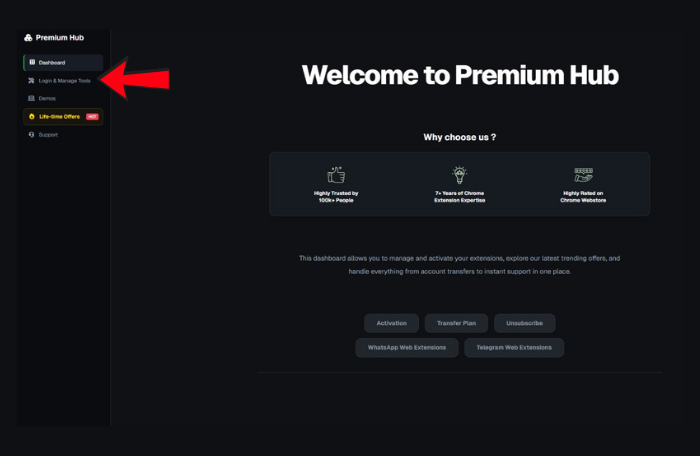
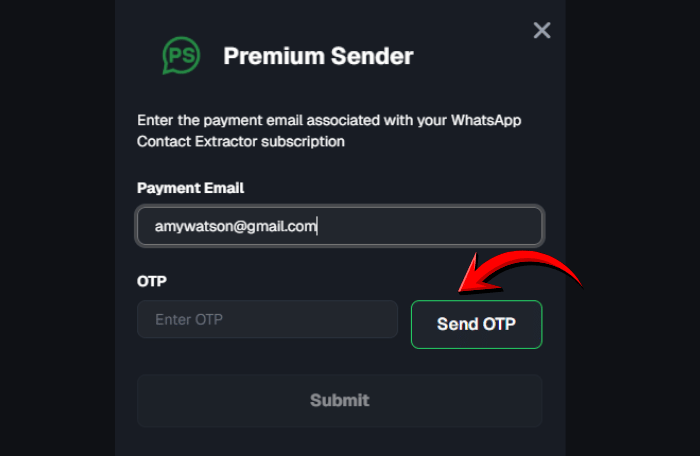
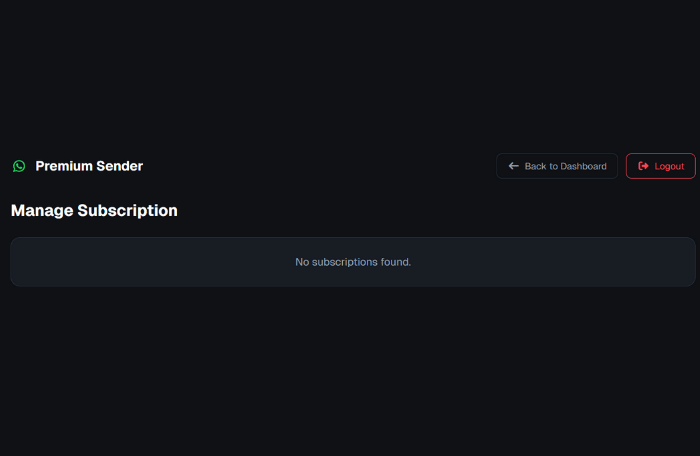
Click on the Login & Manage tab within the dashboard. Locate your extension card and click “Login & Manage.” Enter your payment email and click “Send OTP.”
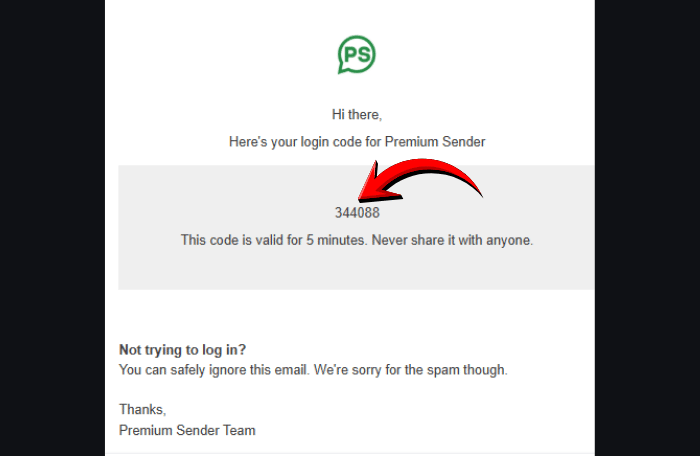
Step 3: Copy Code
In the subscription panel, find the Log in Code and click the copy icon.
Step 4: Click on Cancel button
Click the “Cancel” button at the top right of your subscription details to stop auto-renewal. Your subscription will then be canceled.
Your Access Doesn't Stop Immediately
After cancelling, your Premium Sender plan stays active until the end of your current billing cycle – no immediate loss of access.
No. Your Premium Sender plan stays active until the end of your current billing cycle you won’t lose access the moment you cancel.
Can I get a refund after cancelling?
Premium Sender does not offer refunds on cancelled plans. Your access continues until the end of your current billing cycle, so make sure to use your plan fully before cancelling. Read our Refund Policy properly for more information.
Can I resubscribe after cancelling?
Yes. You can purchase a new Premium Sender plan anytime from the Pricing page.
Can I transfer my plan instead of cancelling?
Yes. If you want to move your plan to a different email, follow the Transfer Plan guide instead.